
Getting more with less from AWS Config
Managing AWS resources for cost and security use cases can be a challenging affair. A single source AWS asset inventory is still a largely unsolved problem, but one service that gets close to the mark is AWS Config. While resource type coverage is not comprehensive, AWS has continued to expand coverage. The data Config harvests is incredibly valuable; leveraging the data, however, is not always easy. Users are either faced with account and region pivoting using the Config console or using SQL and the limitations associated with Config aggregation. Provenience provides another option.
Meet Provenience
Provenience is a locally installed MacOS application that provides a local Plotly Dash web interface to AWS Config, Security Hub (and integrated products), and Cloudtrail APIs. The only “settings” are selecting an AWS CLI profile and specifying a role you can assume with “SecurityAuditRole” permissions or equivalent. (See Access and Permissions below for specific details.)

Provenience assumes the specified role in the selected account and checks to see if AWS Organizations is enabled/accessible. If so, it retrieves any additional account IDs from AWS Organizations. It will then query EC2 describe regions API in the currently authenticated account to populate the enabled region list.
Regions are cached and can be refreshed as needed by clicking the refresh icon.

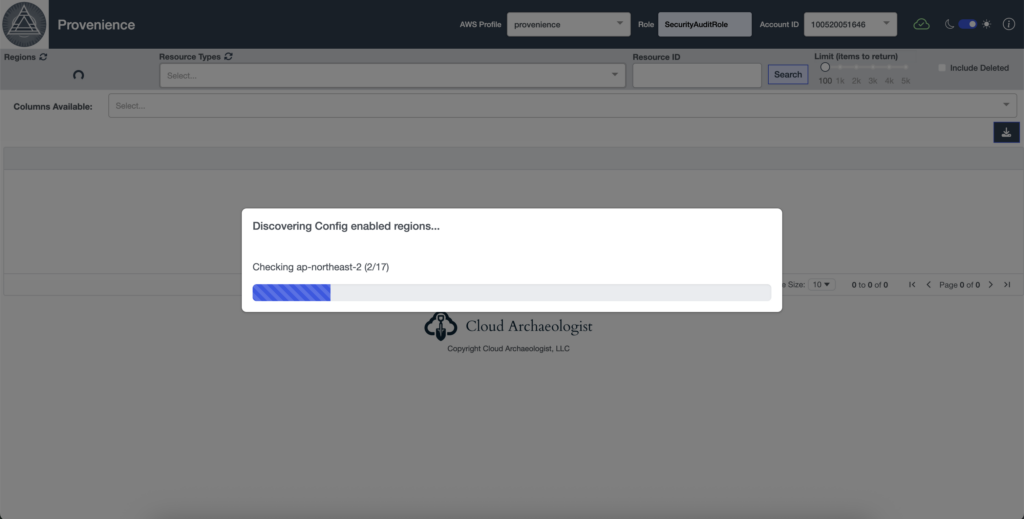
Selecting a region or multiple regions will discover the resource types and number of resources available.
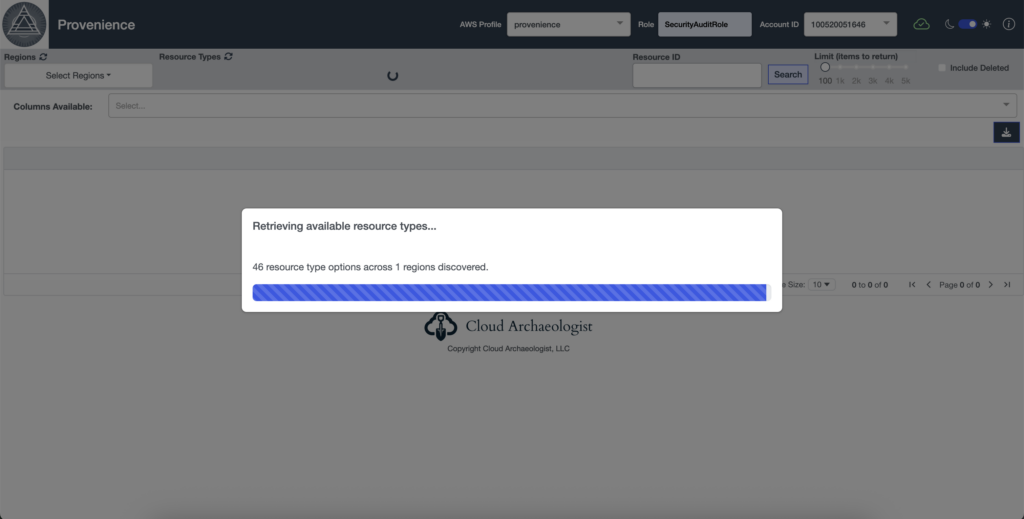
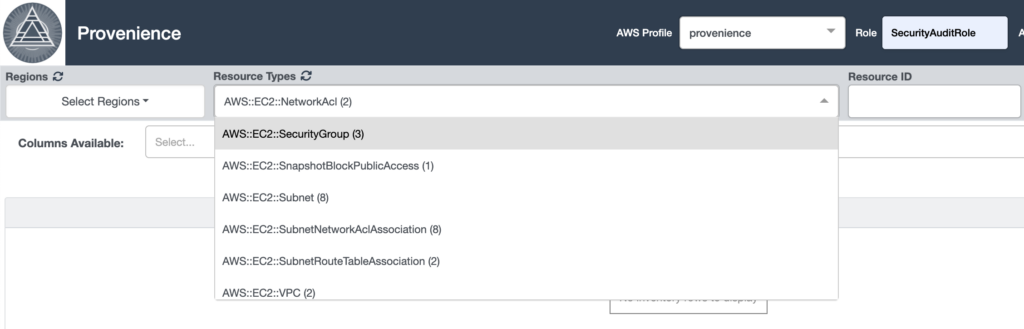
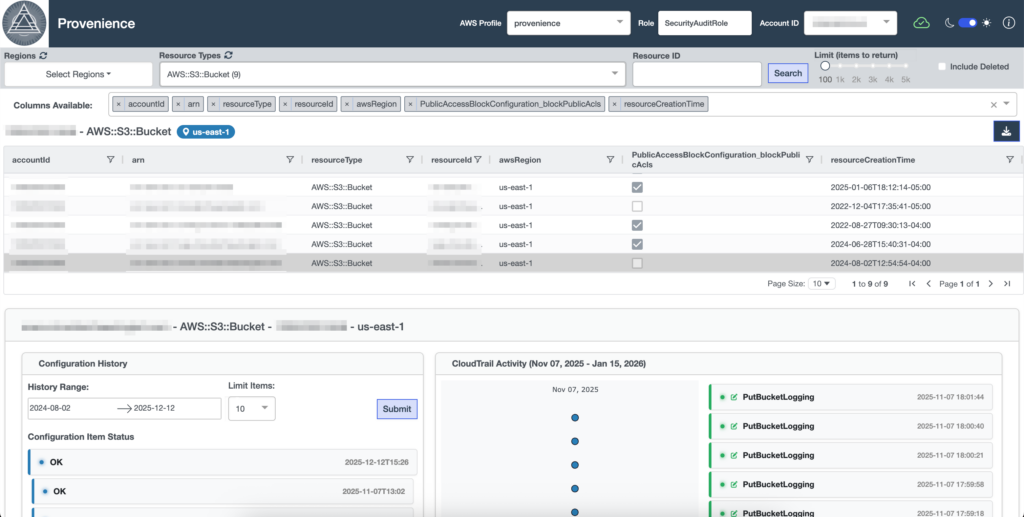
Selecting a resource type and clicking search will retrieve Config snapshots and display the results in an exportable grid. Selecting a resource in the grid will display Config history items and recent Cloudtrail activity with event details.
Resource snapshot configuration details and SecurityHub findings for integrated products (or Config Rule results if SecurityHub is not enabled) are displayed on the left while any Config relationships identified are displayed to the right.
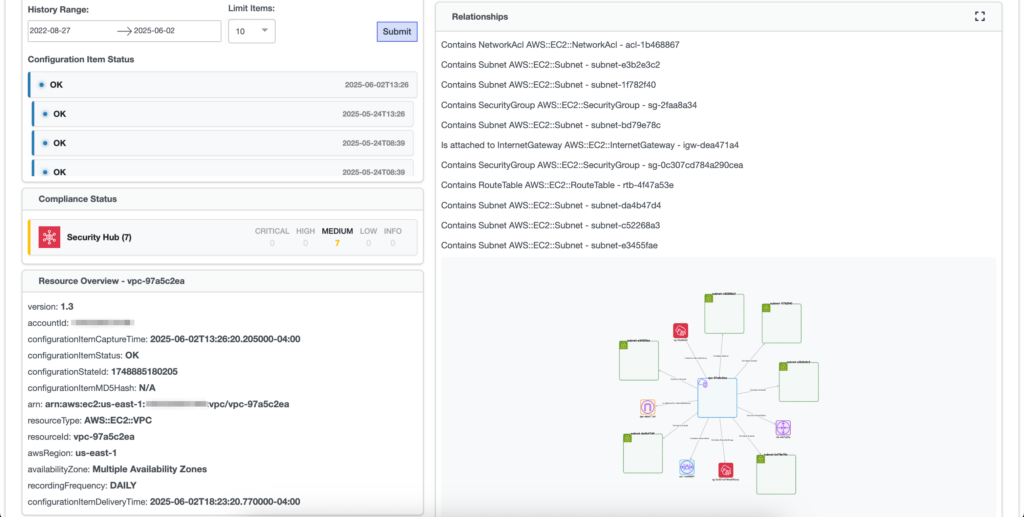
The interactive diagram allows users to explore the relationships dynamically. Clicking on a resource node in the diagram will display the selected resource Config snapshot details beneath the diagram and expand the diagram to reflect any new relationships discovered.
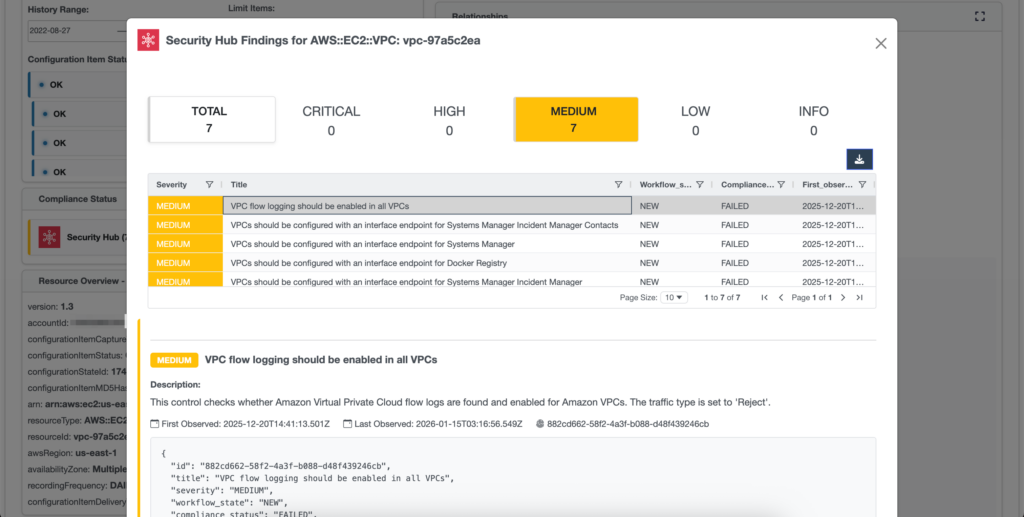
Clicking the Compliance Status summary cards will display the findings and details for the selected resource.
Access/Permissions
Provenience is intended to work for users that have permissions defined in the AWS SecurityAudit policy (https://docs.aws.amazon.com/aws-managed-policy/latest/reference/SecurityAudit.html). Provenience performs read-only API calls to the following services:
- AWS Organizations – for populating account IDs if in use
- AWS EC2 describe regions – for identifying regions enabled in accounts
- AWS Config
- AWS Cloudtrail
- AWS Security Hub
Try Today!
If you’re tired of AWS console fatigue and think your Config data should be more accessible, give Provenience a try. Download a 14-day free trial today at the Cloud Archaeologist Store and spend more time querying and analyzing your data than pivoting between consoles!